
Google Maps is no longer just an app people open when they are lost. For many users, it has quietly become a daily travel planner, traffic checker, local discovery tool, and safety feature rolled into one.
Yet most people still use Google Maps in the simplest way possible: type a place, tap directions, and follow the blue line. That works, but it also means many useful tools inside the app remain ignored.
Some of these features can make a real difference in everyday travel. They can help users avoid wrong turns, find familiar addresses faster, plan trips from a laptop, share their journey with family, and keep navigation working even when mobile data becomes unreliable.
Here are the Google Maps features many users are only now discovering — and why they are worth using before your next trip.
Google Maps Can Save More Time Than Most Users Realize
One of the most practical Google Maps features is contact-based navigation. If a person’s home or work address is saved in Google Contacts, users can search that person’s name directly inside Google Maps instead of typing the full address manually.
This is useful for addresses you visit regularly, such as a friend’s home, a relative’s house, a client location, or an office. Once the address is saved under the same Google account, Maps can show that contact as a destination.
It is a small feature, but it solves a common problem: searching old chats, copying addresses, or asking someone to resend their location every time you need directions.
Another useful tool is the option to send directions from desktop Google Maps to a phone. Many people prefer searching for places on a computer because the larger screen makes it easier to compare routes, check reviews, and plan stops.
Instead of repeating the same search on mobile, users can send the location or directions straight to their phone. The feature works when the same Google account is active on both devices. It is especially helpful when planning restaurant visits, road trips, office routes, or hotel stays from a laptop.
For more tech guides, app updates, and practical explainers, you can also explore more stories on Swikblog.
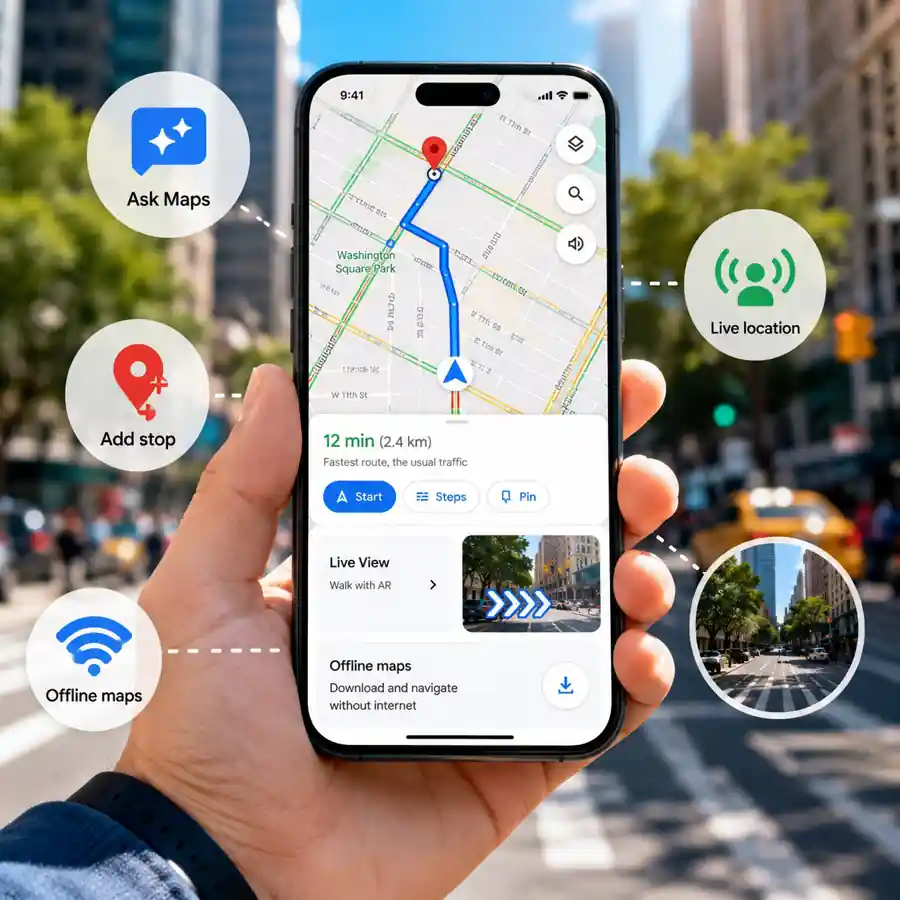
Google Maps has also become smarter for discovery. With Ask Maps, powered by Gemini, users can search in a more natural way instead of relying only on short keywords and filters.
This is helpful when someone does not know the exact place they want to visit. Instead of only searching “restaurants near me,” users can describe the type of place they are looking for. That makes Maps more useful for finding cafés, food spots, weekend places, or local attractions that match a specific need.
For regular users, this changes Google Maps from a basic direction tool into a more useful local search assistant.
Read More
Street View, Live View, and Offline Maps Make Navigation Less Stressful
Street View is one of the most underrated features in Google Maps. Many users think of it as a fun way to look around places virtually, but it can be far more practical than that.
Before visiting an unfamiliar location, Street View can show what the building, entrance, road, storefront, parking area, or nearby landmark actually looks like. This is useful because navigation often gets users close to a destination, but the final few metres can still be confusing.
For example, a clinic may be inside a larger building, a restaurant entrance may be on a side road, or an office may be easier to spot using nearby landmarks. Checking Street View before leaving can reduce that last-minute confusion.
Live View is another feature designed for moments when normal walking directions are not enough. When users are in a crowded market, outside a metro station, near an airport exit, or walking through an unfamiliar street, the blue dot on the map can feel confusing.
Live View uses the phone camera and augmented reality to place direction arrows over the real-world view. Instead of guessing whether to turn left or right, users can lift their phone and see the direction more clearly.
This is especially helpful for tourists, students, commuters, and anyone walking in a new area for the first time.
Location sharing is also becoming more useful for everyday coordination. Rather than sending repeated messages like “I am nearby” or “traffic is slow,” users can share their live location for a selected period of time.
The person receiving the location can track the journey in real time and may also see the phone’s battery status. This can be useful during late-night travel, family pickups, group meetups, road trips, or when travelling through an unfamiliar city.
Offline maps are another feature users should not ignore. Internet coverage can drop on highways, in remote areas, underground parking lots, crowded places, or while travelling abroad. When that happens, navigation can become stressful if the map has not loaded properly.
By downloading an area in advance, users can keep using Google Maps even with a weak or missing internet connection. Offline maps can still help with routes, roads, and basic navigation, making them a smart backup before any important trip.
Together, these features show how much Google Maps has changed over the years. It is not just about reaching a destination anymore. It can help users prepare before leaving, understand unfamiliar surroundings, coordinate with others, and avoid common travel mistakes.
For anyone who uses Google Maps daily, trying these features can make the app feel more reliable, more personal, and far more useful than simple turn-by-turn navigation.

Make Swikblog your go-to source on Google for reliable updates, smart insights, and daily trends.