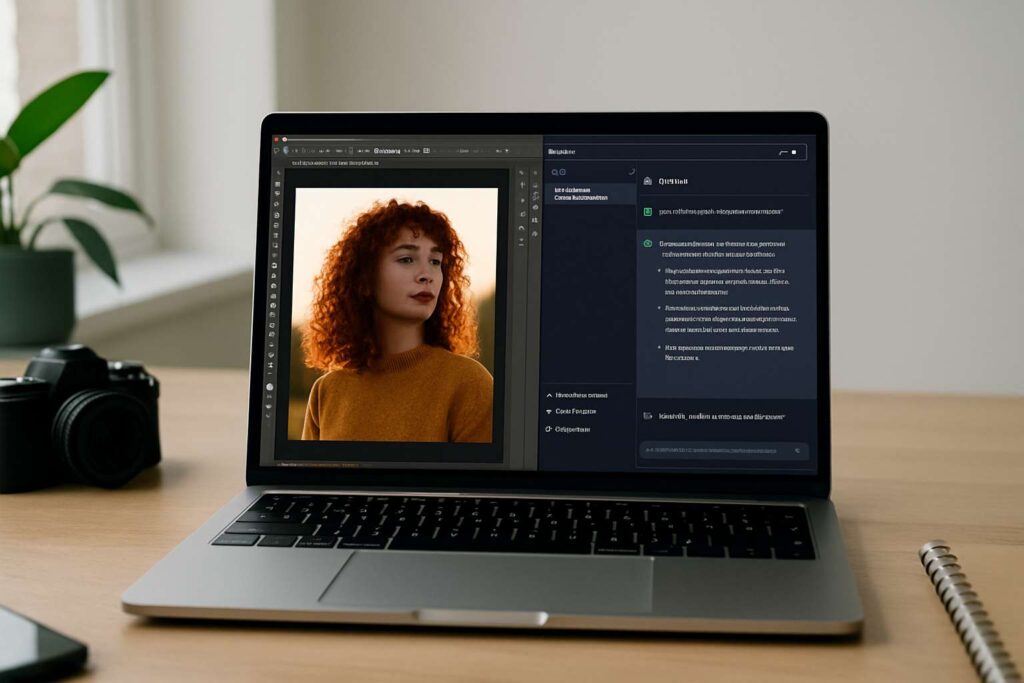

OpenAI has rolled out one of its most transformative updates yet: ChatGPT can now edit photos, modify PDFs and generate full design layouts without users ever opening Adobe Photoshop, Adobe Express or Acrobat. The powerful new integration, confirmed by Bloomberg and detailed further by The Verge, marks a major shift in how creative work is produced online.
Adobe’s collaboration with OpenAI means that millions of users can now perform professional-grade edits using natural language — retouching images, creating posters, building social media graphics, and even editing PDF documents directly inside ChatGPT. According to TechCrunch, the integration relies on Adobe Express and Acrobat’s cloud capabilities, bringing a simplified but powerful version of Adobe’s tools into everyday chat prompts.
If you’re exploring more ways to get real, practical value out of ChatGPT, don’t miss our guide: How OpenAI staff use ChatGPT for real-world tasks.
What Exactly Can You Do With This New Adobe–ChatGPT Integration?
The update brings a long list of creative and productivity tools straight into your ChatGPT conversations. With a single prompt, users can now:
- Edit photos — adjust lighting, remove backgrounds, fix blemishes, or apply filters
- Create designs — posters, invitations, thumbnails, presentations, marketing creatives
- Edit and export PDFs — fill forms, reorganise text, fix formatting
- Generate AI-powered visuals using Adobe’s Firefly models
- Use Adobe Express templates for social media content, resumes and event graphics
Adobe confirmed the partnership in its official announcement, which you can read on the Adobe Blog. It explains how Express and Acrobat features have been rebuilt to work seamlessly inside ChatGPT without requiring software installation.
Why This Matters: A Creative Studio Now Lives Inside ChatGPT
This is not just a convenience update — it fundamentally changes how creative work happens. For years, editing tools required dedicated apps and complex interfaces. Now, anyone can type: “Brighten this image, remove the background and convert it into a poster for a music festival” and ChatGPT will handle the full workflow, powered by Adobe.
Designers get speed. Beginners get simplicity. Businesses get efficiency. And students get professional tools without needing expensive hardware.
Examples of What You Can Create Instantly
Users are already experimenting with workflows such as:
- Transforming raw photos into polished ad creatives
- Rewriting and restructuring multi-page PDFs for presentations
- Generating logos and event flyers with Adobe Express templates
- Making YouTube thumbnails with background removal and colour enhancements
- Reformatting resumes from PDF into fully designed templates
This marks one of the strongest real-world use cases for AI in daily productivity since ChatGPT first launched.
How It Works Behind the Scenes
According to reporting from Gizmodo, Adobe Express acts as the backbone for these new capabilities. ChatGPT sends your instructions to Adobe’s cloud tools, processes the request, and returns a finished editable design or image to your chat.
For PDF editing, Acrobat’s AI-driven text parsing allows ChatGPT to reorganise content, clean up formatting, extract data, or rebuild entire layouts.
Is It Free? What Users Should Expect
OpenAI has not disclosed the full pricing structure yet. Early indications suggest that:
- Basic editing features appear available to ChatGPT Plus users
- Some advanced tools may require Adobe Express or Creative Cloud sign-in
- PDF actions powered by Acrobat may eventually fall under a paid tier
As with most AI rollouts, expect capabilities to expand quickly.
How This Update Changes the Future of Creative Work
ChatGPT is no longer just a conversational tool — it is becoming a full creative workstation. By merging Adobe’s industry-leading tools with natural language workflows, OpenAI has dramatically lowered the barrier to professional content creation.
Designers, teachers, marketers, students, freelancers — every group stands to benefit. And with similar partnerships likely to follow, the line between AI assistants and creative software is beginning to blur.

Make Swikblog your go-to source on Google for reliable updates, smart insights, and daily trends.