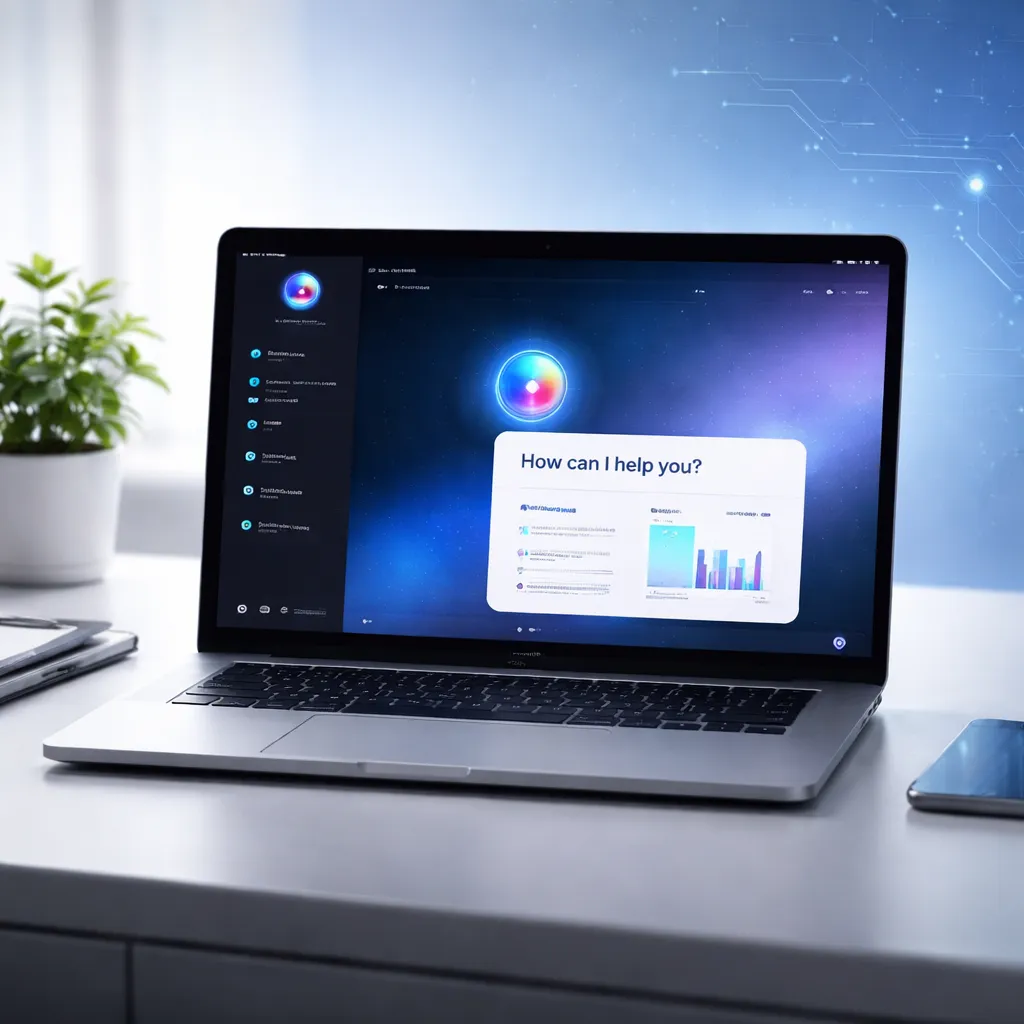

Google has launched a native Gemini app for macOS, bringing its AI assistant directly to the desktop in a move that signals a deeper shift in how AI tools are used in everyday computing. Instead of running inside a browser tab, Gemini can now sit alongside your regular apps, ready to help with tasks in real time.
The new app is designed to be quick and unobtrusive. Users can open Gemini instantly using the Option + Space keyboard shortcut, allowing them to ask questions, generate content, or get help without switching windows. It is a small change on paper, but one that could significantly improve how often people actually use AI during their workflow.
Google says the goal is simple: keep users in their flow. Whether someone is writing a report, analyzing data, or working on a presentation, Gemini can now be accessed without breaking concentration. That puts it in direct competition with desktop AI apps already offered by companies like OpenAI and Anthropic.
Screen sharing and real-time context bring practical use
One of the most notable features of the Gemini Mac app is its ability to understand what is happening on your screen. Users can share a specific window or content, allowing the AI to respond based on real-time context. This includes local files, web pages, and applications.
For example, someone reviewing a complex chart can ask Gemini to highlight the most important takeaways. A user working on a spreadsheet can request the correct formula without leaving the document. Similarly, someone drafting a report can quickly verify facts or generate summaries based on what is already on screen.
This kind of contextual assistance is where desktop AI tools are starting to stand apart from traditional chatbots. Instead of asking general questions, users can now interact with AI in a way that feels tied to their immediate task.
However, access to screen content and files requires user permission through macOS system settings. This ensures that privacy controls remain in place while still allowing deeper functionality for those who choose to enable it.
Creative tools and broader AI ecosystem
Beyond productivity, the Gemini app also connects to Google’s creative AI models. Users can generate images using Nano Banana and create videos with Veo directly from the desktop interface. This makes the app useful not just for office tasks, but also for creators, marketers, and designers looking for quick outputs without switching platforms.
The launch also highlights how Google is building a broader AI ecosystem. Gemini is no longer just a chatbot but part of a larger system that includes text, image, and video generation tools, all accessible from a single interface.
According to Google, this is just the beginning. The company says it is working toward a more personal and proactive assistant that can anticipate needs and provide deeper support over time.
Availability, system requirements and pricing
The Gemini app is now available globally for Mac users running macOS 15 (Sequoia) and above. It is free to download and use at a basic level, making it easy for users to try it without commitment.
However, more advanced features and higher usage limits are tied to paid plans such as Google AI Pro, AI Plus, and AI Ultra. This follows the same model seen across other AI platforms, where basic access is free but premium capabilities come at a cost.
Users can download the app directly from Google’s official page. More details about setup and compatibility are available on the Gemini for Mac website.
The app works on Macs powered by Apple silicon and integrates with the operating system to provide a smoother experience compared to browser-based tools.
Competition and Apple connection add bigger context
The release of a native Mac app also brings Google closer to competitors that have already established a presence on desktop platforms. OpenAI and Anthropic have both offered Mac-based AI tools for some time, and Google’s entry into this space suggests the competition is moving beyond models and into user experience.
There is also a broader industry angle that adds weight to this launch. Earlier this year, Apple and Google announced a multi-year agreement in which Gemini models are expected to play a role in powering future Apple Intelligence features. This could include enhancements to Siri and other system-level capabilities.
While those features are still being rolled out, the Gemini Mac app gives a glimpse of how AI could become more deeply integrated into everyday computing environments.
Instead of being something users visit occasionally, AI is increasingly becoming something that stays available throughout the day. Google’s latest move reflects that shift clearly.
With native access, screen awareness, and creative tools built in, Gemini on Mac is positioned as more than just another AI app. It is part of a larger effort to bring AI closer to where real work happens — directly on the desktop.
You may like: Dyson HushJet Mini Cool $99 Portable Fan Sold Out

Make Swikblog your go-to source on Google for reliable updates, smart insights, and daily trends.