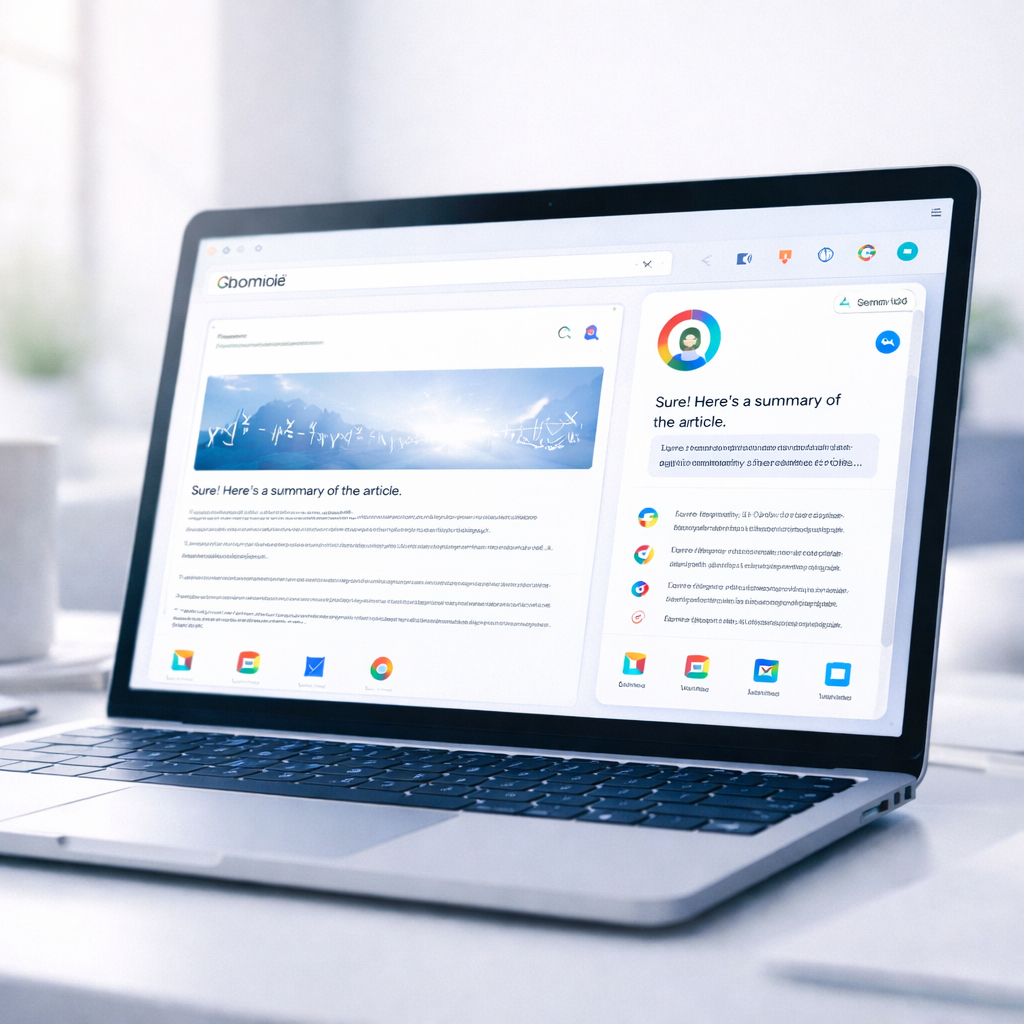

Google has expanded its Gemini AI integration inside Chrome to seven countries across the Asia-Pacific region, bringing a new layer of intelligence directly into one of the world’s most widely used browsers. The rollout, which began on April 20, includes Australia, Indonesia, Japan, the Philippines, Singapore, South Korea and Vietnam, with availability across desktop and iOS devices in most markets.
The move builds on earlier launches in the United States in January, followed by India, Canada and New Zealand in March, as Google steadily pushes Gemini deeper into everyday browsing. With this expansion, millions of new users are now getting access to a built-in AI assistant that works alongside them while they browse the web.
Gemini moves from search tool to browsing assistant
Unlike traditional search, where users type queries and sift through links, Gemini in Chrome works directly within the browser. A side panel allows users to ask questions about the content they are currently viewing, whether it’s a long article, a product page or a YouTube video.
The assistant can summarize information, explain complex topics and compare details across multiple tabs without requiring users to switch back and forth. This changes a long-standing browsing habit where people often juggle several tabs just to complete a simple task.
Google says the goal is to reduce friction and make browsing more conversational. Instead of crafting precise keywords, users can now ask natural questions and get context-aware answers instantly.
In practical terms, this means someone reading a research paper can ask Gemini to simplify it, or a user watching a long video can request key highlights without leaving the page.
Deep integration with Google services
One of the biggest changes with Gemini in Chrome is how tightly it connects with Google’s ecosystem. Users can draft and send emails through Gmail, check location details with Maps and schedule events using Calendar, all from within the same browser window.
This level of integration allows for multi-step tasks to be completed more efficiently. For example, a user planning a trip can compare options on different websites, ask Gemini to build an itinerary based on preferences and then generate an email summary — all without opening new apps.
The feature is powered in part by what Google calls “Personal Intelligence,” which allows Gemini to remember context from previous interactions. Over time, this enables more tailored responses based on user behavior and preferences.
According to Google’s official update on the Chrome product blog, these capabilities are designed to make the browser more useful while keeping users in control of their data.
New image tools and creative features
The rollout also introduces new creative capabilities through Google’s latest image model, known as Nano Banana 2. This feature allows users to transform images directly from the web using simple text prompts.
For instance, while browsing an online store, a user can modify how a product looks in a room or change the style of an image without leaving the page. The AI analyzes the visual content and generates updated versions in real time inside the Gemini side panel.
This adds a new dimension to browsing, especially for shopping, design and content creation, where users can experiment with ideas instantly.
Availability and feature limitations
While the expansion brings Gemini to more countries, not all features are universally available yet. The rollout is gradual, and some capabilities may vary depending on the region and device.
Google is also testing more advanced “agentic” features that can take control of the browser to complete tasks automatically. However, these are currently limited to users in the United States and are available only through paid AI Pro and AI Ultra plans.
Additionally, certain functionalities — such as deeper personal data integration and support in Incognito mode — are still being refined and will be introduced more cautiously over time.
Security, safeguards and user control
With AI now embedded directly into browsing, Google has emphasized security as a core part of the rollout. Gemini is trained to recognize known threats, including prompt injection attacks, and includes safeguards to prevent misuse.
For sensitive actions like sending emails or accessing personal information, the system requires user confirmation before proceeding. This ensures that users remain in control of what the assistant can and cannot do.
Google also notes that Gemini is designed as an assistant rather than a replacement for the web. It does not independently browse sites or perform complex actions like booking services without user input.
The broader aim is to simplify tasks that previously required multiple steps, while maintaining transparency and user oversight.
As Gemini becomes more deeply integrated into Chrome, the way people interact with the internet is starting to change. Instead of relying solely on search queries and links, users are beginning to engage with information through conversation and context — all within a single browser window.
You may like the latest NBA Draft 2026 order update featuring the Raptors at No. 19 and the Jazz protected pick.

Make Swikblog your go-to source on Google for reliable updates, smart insights, and daily trends.