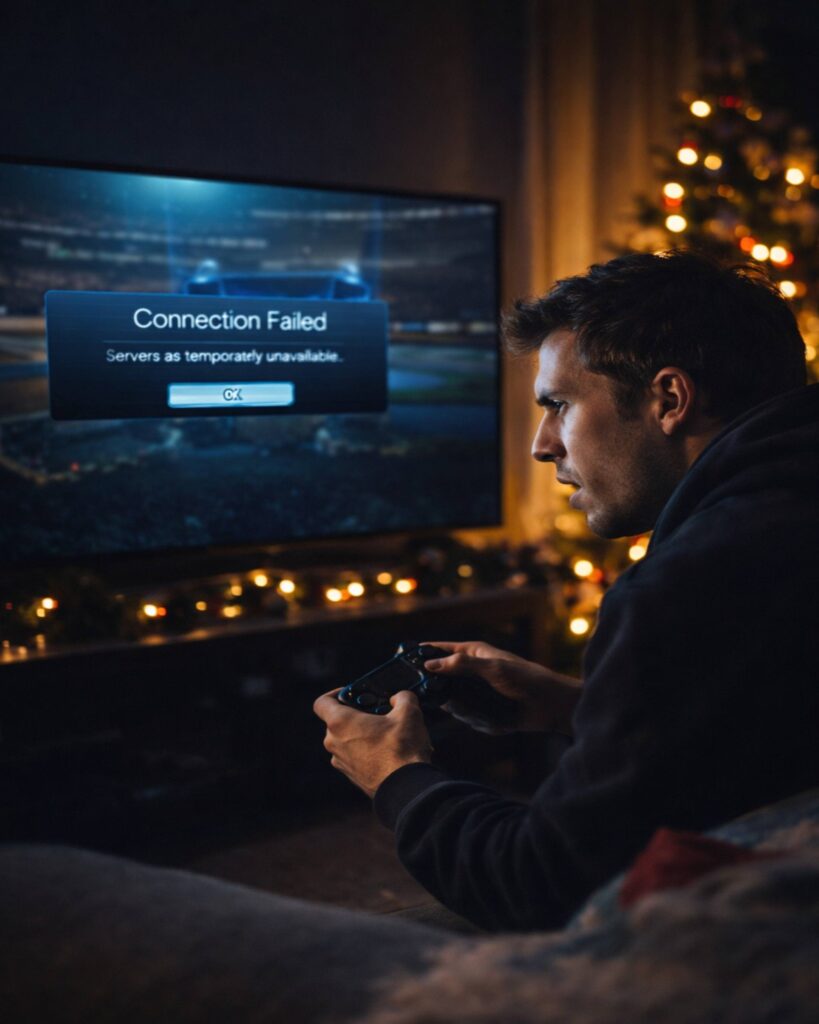

Many Rocket League players reported sudden login failures, matchmaking errors, and disconnects on Christmas Eve, with social feeds quickly filling up with “server down” complaints.
If you tried to jump into Rocket League on Christmas Eve and got stuck on “Connecting,” couldn’t join a party, or watched matchmaking spin forever, you weren’t alone. A surge of player reports suggested a widespread disruption affecting core online services—exactly the kind of spike that tends to happen during holiday peaks when more people are online at once.
Outages like this can feel especially brutal on a holiday: Rocket League is a go-to “quick match” game for friends and families, and even a short interruption can wipe out planned sessions, tournament runs, and limited-time event progress. While the exact cause isn’t always immediately confirmed during fast-moving incidents, the symptoms players described were consistent with server-side issues rather than a problem on a single console or home network.
What players reported during the crash
The most common complaints typically fall into a handful of categories during Rocket League disruptions. On Christmas Eve, players reported issues such as:
- Login or authentication failures (stuck on sign-in or “Unable to connect” prompts)
- Matchmaking not starting or timing out
- Parties failing to form, invites not sending, or friends not appearing online
- Mid-game disconnects, sudden lag spikes, or “server connection lost” messages
- Item shop, Rocket Pass, or inventory loading slowly (or not at all)
How to check Rocket League server status (fast)
Before you spend time reinstalling or changing settings, it’s worth checking whether the issue is widespread. Start with Epic’s service status page, which tracks outages across Epic Online Services and related components: Epic Games Public Status.
You can also compare what you’re seeing with real-time player reports on outage trackers (helpful for spotting spikes across regions): Rocket League on Downdetector. If both pages show a surge or incident, the best move is usually to wait for a fix rather than troubleshooting your device for an hour.
Quick fixes to try (if servers are “up” but you’re still locked out)
If the official status pages look normal—or the outage appears to be resolving—these quick checks can help rule out local issues. Keep it simple and try them in order:
- Restart Rocket League completely (close the app, not just suspend).
- Reboot your console/PC and router (power cycle for 30–60 seconds).
- Switch networks briefly if possible (mobile hotspot test) to isolate ISP problems.
- Check platform services (PlayStation Network, Xbox Live, Steam) for outages.
- Disable VPN / strict firewall rules temporarily if you use them.
A key tell: if you can sign in but matchmaking fails for everyone in your party, it’s more likely on the server side. If only one device can’t connect while others in the same home can, you may be dealing with NAT type, DNS, or a platform account hiccup.
Why holiday outages happen
Christmas Eve is one of those predictable “traffic spike” days where many players hop online at the same time—often after travel, family activities, or gift openings. When demand jumps, backend systems can get stressed: authentication, matchmaking queues, party services, and inventory calls can all bottleneck. Sometimes the problem is a cascading failure where one service degrades and triggers knock-on issues elsewhere.
The good news is that high-visibility outages usually get prioritized quickly, with teams pushing mitigations like traffic shaping, queue adjustments, or service restarts. The “bad” news: it can still take time for everything to stabilize—especially if multiple regions are affected or if a platform-wide dependency is involved.
What to do while you wait
If Rocket League is down, the best approach is to avoid destructive troubleshooting (like reinstalling) until services are stable. Instead:
- Follow official status updates and refresh every 10–15 minutes.
- Try private training/free play if online services are partially degraded.
- Check again after a full restart once an incident is marked “resolved.”
We’ll continue watching for updates as services stabilize. If you’re a regular Rocket League player, it’s worth bookmarking the official status page so you can instantly confirm whether the issue is on your side—or happening to everyone.
More from Swikblog: Latest trending updates | Top sports story

Make Swikblog your go-to source on Google for reliable updates, smart insights, and daily trends.