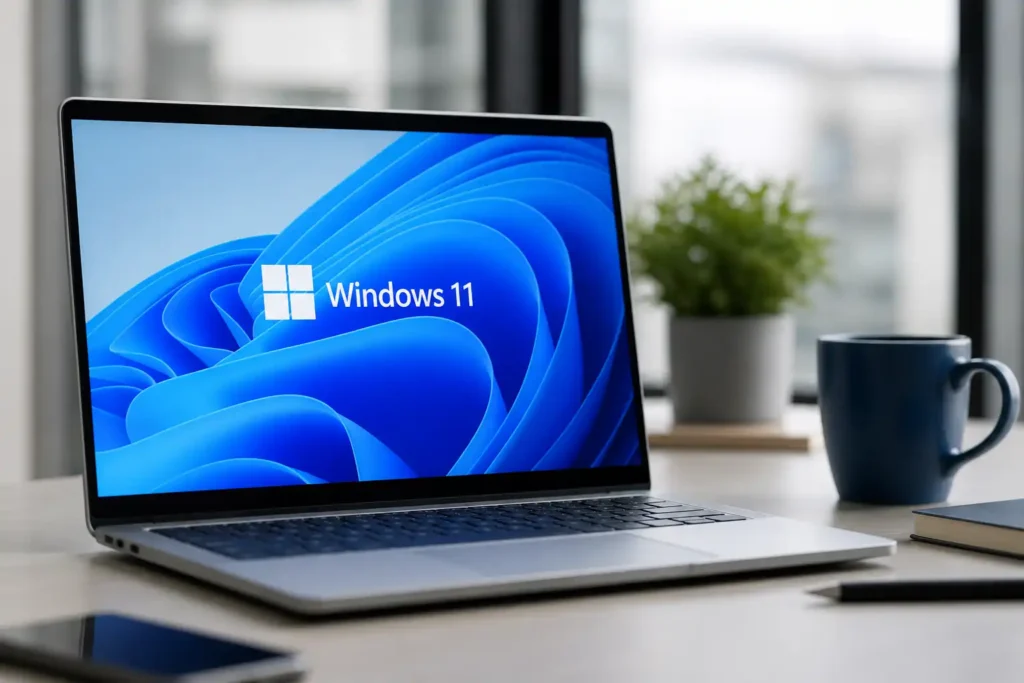

Microsoft has started alerting Windows 11 users about a major Secure Boot certificate change that becomes critical in June 2026, when older certificates used to verify trusted startup software begin to expire. The issue does not mean Windows PCs will suddenly stop working, but it does affect one of the most important security checks that happens before the operating system loads.
Secure Boot is designed to protect a PC at the earliest stage of startup. Before Windows opens, the system checks whether firmware, bootloaders and other startup components are trusted. That trust is based on security certificates stored at firmware level. If those certificates are outdated, the PC may still run, but its ability to validate newer boot-level protections can become weaker over time.
The certificates now being replaced were first introduced around the Windows 8 era in 2011. Microsoft says these certificates will start expiring in June 2026, making this one of the largest Secure Boot certificate transitions in Windows history. The company has already issued newer 2023 certificates and is distributing them through Windows updates and, where needed, firmware updates from device makers.
Why Microsoft is warning users now
Microsoft has moved the Secure Boot certificate issue from a technical background task into the Windows Security app, making it easier for regular users to check whether their device is ready. After recent Windows updates, users can open Windows Security, go to Device Security, and review the Secure Boot status shown on the device.
The warning system is being rolled out in stages. Initial indicators show whether the device is in a healthy state or whether attention may be required. As the deadline gets closer, Microsoft is adding stronger alerts, including caution and critical warnings for systems that still need action.
A red or critical warning should not be dismissed casually. Microsoft says devices that do not receive updated certificates may face reduced protection against emerging threats. Some functions that rely on Secure Boot trust, including BitLocker hardening and certain third-party bootloaders, may also be affected. Microsoft has explained the issue in its official Windows IT Pro guidance on Secure Boot certificate expiry.
For most Windows 11 users, the fix should arrive automatically through normal updates. That means the best first step is simple: install all available Windows updates and restart the device when prompted. Users should also avoid pausing updates for long periods, especially on machines used for banking, work, business data or school accounts.
The bigger risk is with older PCs, unsupported Windows installations and devices that have not received firmware updates from the manufacturer. Some systems may require an OEM firmware update before the new Secure Boot certificates can be applied correctly. This is why users with older laptops or desktops should also check their manufacturer’s support page if Windows continues to show a warning after updates are installed.
What happens if Secure Boot certificates are not updated
The impact is likely to be gradual rather than instant. A PC with expired Secure Boot certificates may continue to start and operate normally, which could make the issue easy to ignore. The danger is that the device may enter a degraded security state, where it cannot fully benefit from future boot-level protections or trusted startup updates.
That matters because attacks targeting the boot process are harder for users to detect. Malware that runs before Windows can be more difficult to remove and may interfere with security tools after the system loads. Secure Boot exists to reduce that risk by blocking untrusted startup code before it gets a foothold.
Businesses face an even larger challenge. Companies managing hundreds or thousands of devices may need to coordinate Windows updates, firmware updates, security policies and testing schedules. Microsoft has published a Secure Boot update playbook for administrators because a failed or poorly timed rollout could create support issues across large device fleets.
Read More
Home users do not need to follow an enterprise playbook, but they should still take the alert seriously. A good checklist is to install Windows updates, confirm Secure Boot status in Windows Security, check for manufacturer firmware updates, and avoid suppressing warnings unless the risk is clearly understood.
Microsoft says many newer PCs, especially devices shipped from 2024 onward, should already have the updated certificates or receive them automatically. The concern is mainly for older hardware, devices running unsupported Windows versions, and systems with unusual boot setups such as dual-boot configurations or specialized third-party bootloaders.
The June 2026 deadline is also important because it arrives as Microsoft continues tightening Windows security requirements. Secure Boot is already a major part of the Windows 11 security model, and this certificate refresh is meant to keep that trust chain valid for future software, hardware and firmware updates.
Users who see no warning after installing updates likely do not need to take extra action. But anyone seeing yellow or red Secure Boot alerts should respond before the deadline. Ignoring the message may not break the PC immediately, but it could leave the device less prepared for future threats and compatibility changes.
Microsoft’s message is clear: keep Windows current, verify Secure Boot status and make sure the device has the newer certificates before June 2026. For Windows 11 users, this is not just another monthly update. It is a replacement of a security foundation that has been trusted for more than a decade.

Make Swikblog your go-to source on Google for reliable updates, smart insights, and daily trends.